
Dictāta: Voice-to-Text Magic for Your Entire Computer
 By Dictāta Team
Tired of being trapped in Google Docs just to use voice typing?
Freedom to Dictate Anywhere
Dictāta transforms every text field on your computer into a voice-powered input. Email, Word, Slack, code editors – if you can click in it, you can speak to it.
Why Your Keyboard Needs a Break
Think of Dictāta as your personal transcription genie. Press {hotkey}, speak naturally, and watch your words materialize wherever your cursor lives. No app-switching. No copy-pasting. No limitations.
AI-Powered Precision
Behind that simple interface, Dictāta packs serious muscle:
- It turns your voice into text with scary accuracy
- Then polishes your words to perfection
- Multi-language support catches every accent and dialect
More Than Just Dictation
That floating mic button? Yeah, it’s not just decoration — it’s your new writing sidekick.
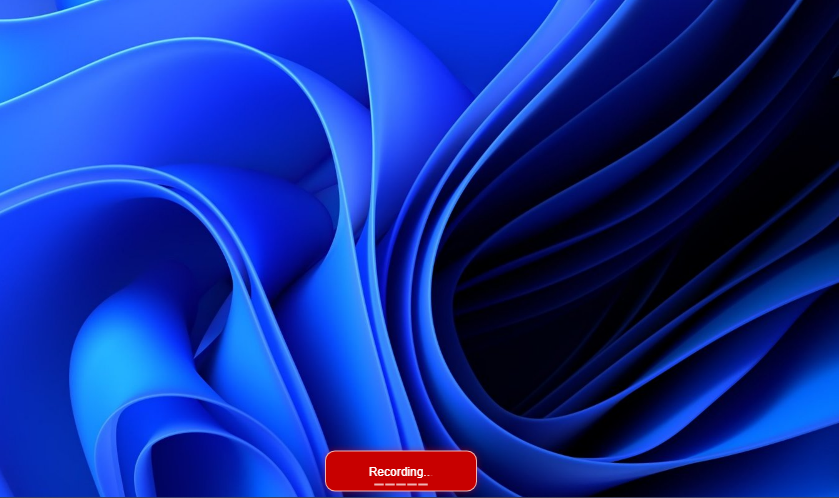
- Real-time audio waves show it’s listening and locked in.
- Voice-reactive feedback keeps your flow unbroken — no “is this thing on?” moments.
- One hotkey to rule them all (
Ctrl + SpaceorOption + Space). Instantly toggle dictation anywhere. - Need a clean screen? Just drag it aside or hide it completely.
But wait — Dictāta isn’t just listening. It understands.
Remember that ChatGPT prompt you always run your text through?
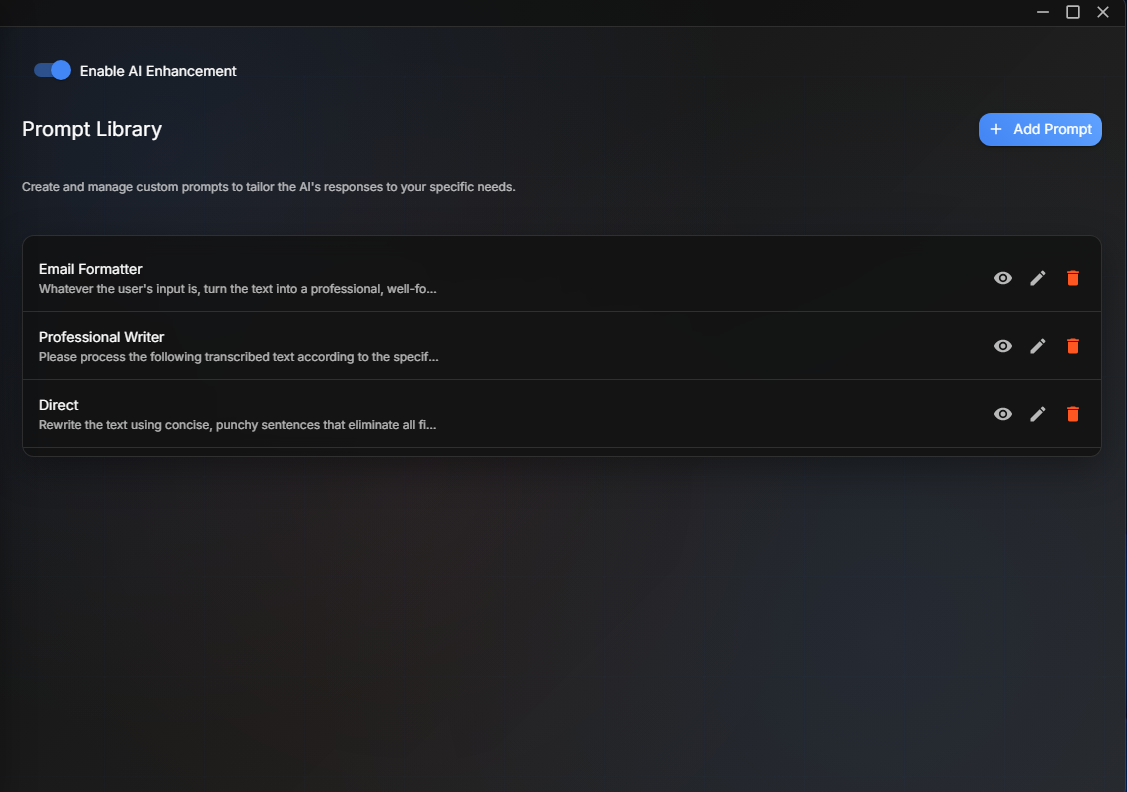
Now you can:
- Add it straight to your Prompt Library
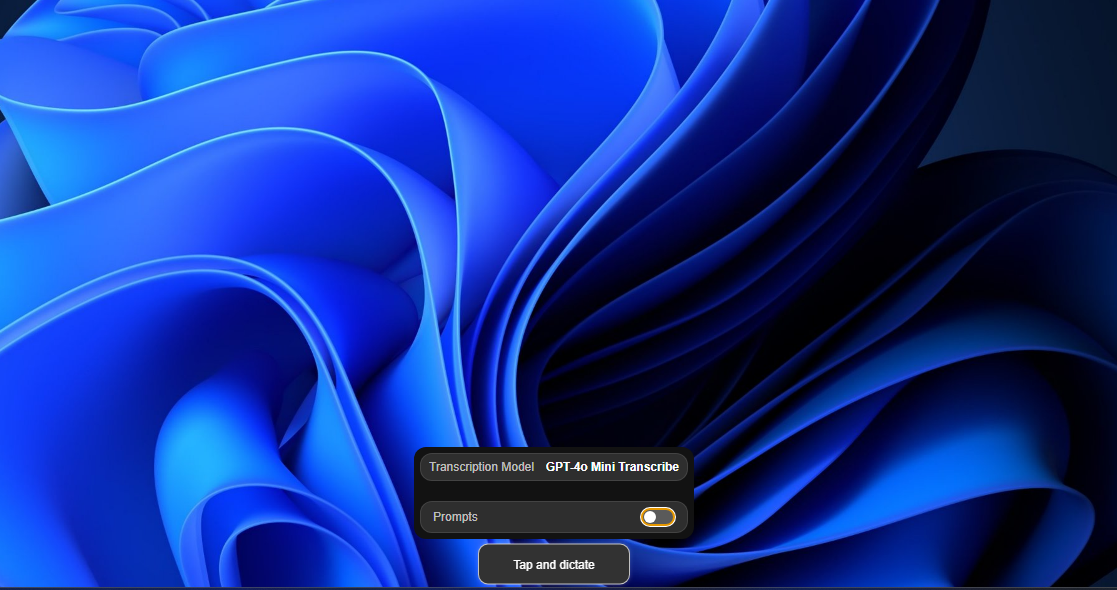
- Right-click the Floating Button.
- Flip the Prompts switch on.
- Hit
Option + Spaceand — boom — your voice runs through that prompt faster than Forrest Gump on caffeine.
Not in love with the text you just dictated? Let the Dictāta magic take over:
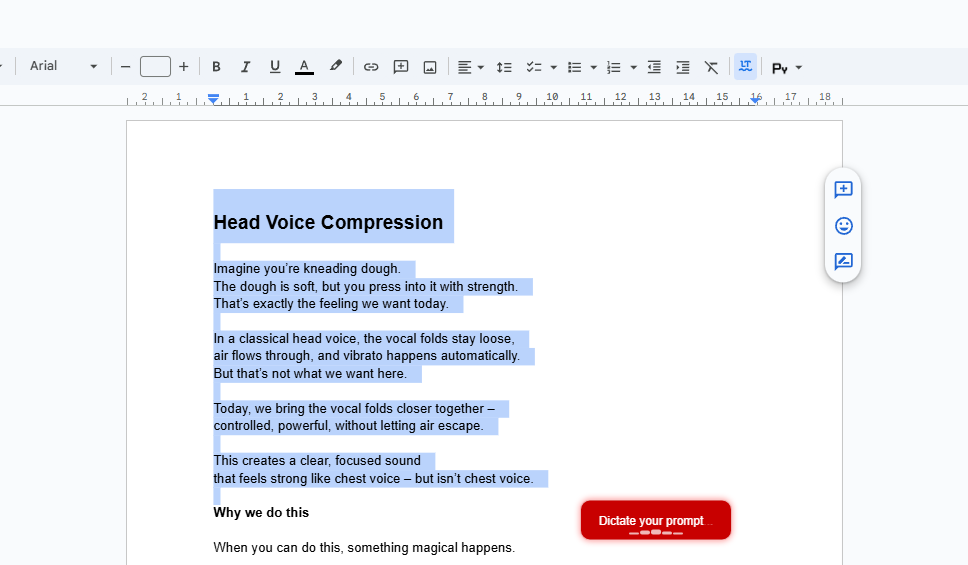
- Highlight it.
- Press
Ctrl + Shift + Space(or your custom shortcut). - Tell Dictāta exactly what you want — “polish this,” “make it shorter,” “sound smarter.”
- Watch it morph into the version you meant to write.
Dictāta doesn’t just take notes — it finishes your sentences. ✨
Perfect For:

- Writers who think faster than they type
- Professionals drowning in emails
- Anyone who's tired of being chained to specific apps for voice input
- Developers who want to dictate code comments
- Students capturing rapid-fire lecture notes
Get Started in Seconds
On MacOS:
- Download Dictāta
- Press Option+Space
- Start talking
- Press Option+Space - again – your text jumps right to your cursor!
On Windows:
- Download Dictāta
- Press Ctrl+Space
- Start talking
- Press Ctrl+Space again - watch your words appear exactly where your cursor is!
Dictāta – Your voice, everywhere.